VPS deals reader question
How to confirm a recurring VPS charge after a promotion
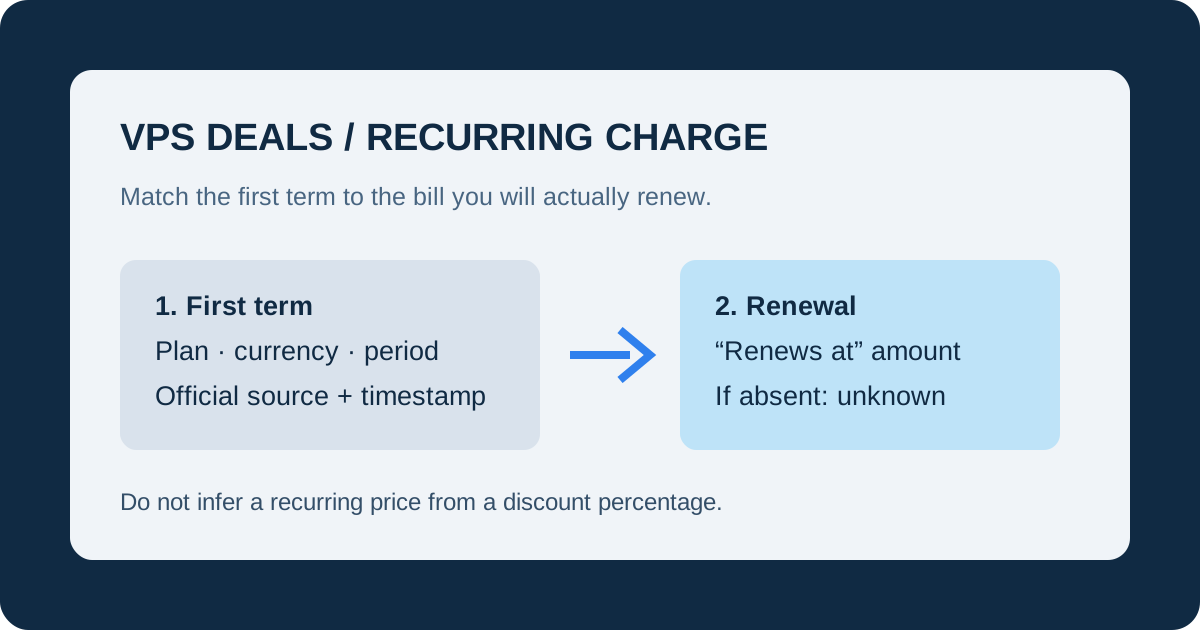
Answer: find an explicit recurring amount or “renews at” line for the exact plan and billing period at checkout. If the provider shows only a promotional first term, record the recurring charge as unknown and do not infer it from the discount.
Check the same plan at both stages
Copy the exact plan name, resource tier, currency, and first billing period from the public offer. At checkout, confirm that the selected plan has not changed through an upgrade, add-on, or different billing cadence. A first-term price is evidence only for that first term.
Look for the renewal sentence
Search checkout and the provider's published terms for wording such as “renews at,” “recurring,” or “after the initial term.” Record the amount exactly as shown, including currency and period. A percentage discount, “from” price, or annual total does not prove a recurring monthly price.
Keep a source record
- Save the official offer or terms URL.
- Record the UTC fetched-at time and the plan label.
- Write down the first-term amount and the explicitly stated recurring amount separately.
- If the recurring field is absent, leave it blank and return to the provider before paying.
What today's official records show
The collection checked Hostinger's public VPS page and IONOS's public VPS page at 2026-10-19T04:00:00Z. It recorded four Hostinger plans and five IONOS plans. IONOS titles identify a “3-month promotion,” but the collected fields contain no verified post-promotion amount, so the renewal remains unknown in this site's data.
Decision rule: no explicit recurring charge means no verified recurring charge. Ask the provider or wait for a page that publishes the term.
Continue with the checkout billing-term checklist and renewal-price guide.
Last collection attempt: 2026-10-19T04:00:00Z. Confirm current terms on the provider page and checkout before paying.