VPS deals reader question
How to read monthly, annual, and promotional VPS wording
Answer: treat “/month” as a display unit until the same provider page states the payment period, upfront total, promotion length, and recurring or renewal amount. “Annual term” and “for 3 months” describe different fields; neither alone proves a monthly recurring charge.
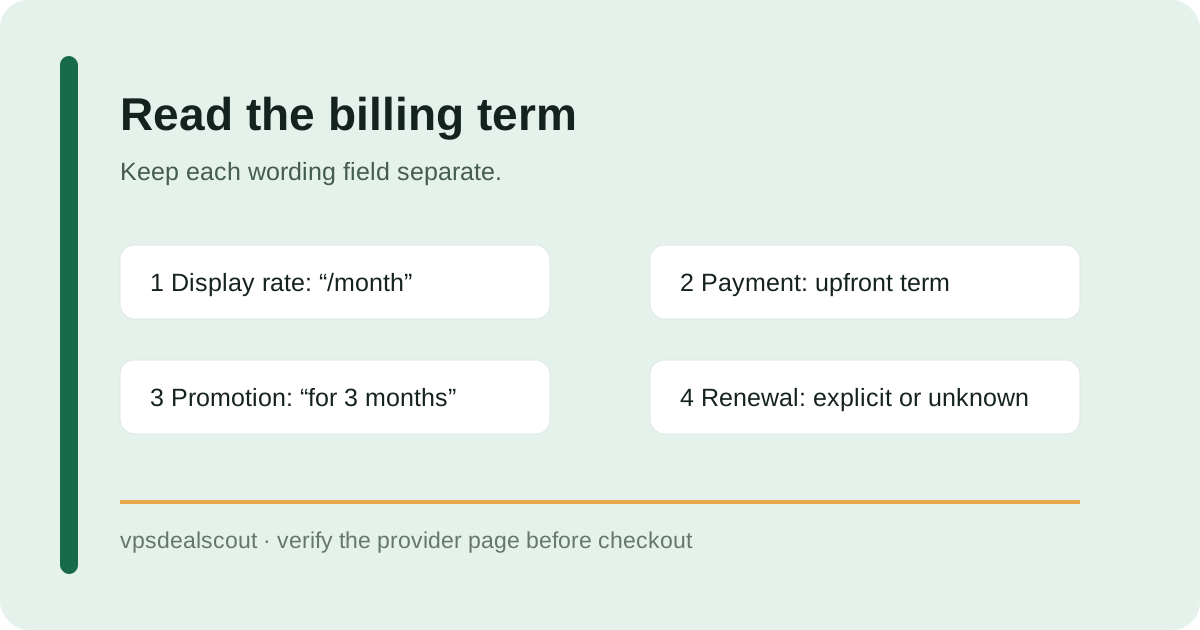
Separate four labels before comparing
Write down the exact plan, the price shown, the display unit, and the payment period. A page can show a monthly equivalent while charging the full plan upfront. Keep the currency and term beside the number so a headline VPS deals price is not compared with a different billing cadence.
Read the promotional window literally
IONOS currently labels its VPS+ cards “$2 /month for 3 months with a 1-year term” on the official page. That sentence identifies a promotional window and a one-year term. It does not publish the post-promotion recurring amount on the public page, so the renewal field stays unknown here.
Hostinger's public VPS page labels its plans with a monthly rate, then states that the plan renews at a separate amount for two years and that all plans are paid upfront. The monthly figure is therefore a divided plan price, not evidence of monthly billing.
Use a four-line evidence note
- Copy the exact plan and currency.
- Record the displayed rate and the stated upfront period.
- Record the promotion duration and any explicit renewal sentence separately.
- If the recurring amount is absent, write “unknown” and reopen the provider page at checkout.
What the official records show today
This collection checked Hostinger's VPS page and IONOS's cheap VPS page at 2026-10-20T16:36:33Z. It recorded four Hostinger offers and five IONOS offers. Hostinger exposes renewal wording in the public page; IONOS exposes a three-month promotion and one-year term but no verified post-promotion amount in the collected fields.
Decision rule: compare like with like. A monthly display rate, annual term, promotional duration, and recurring amount are separate facts until the provider connects them in explicit wording.
Continue with the checkout billing-term checklist and recurring-charge guide.
Last collection attempt: 2026-10-20T16:36:33Z. Confirm current terms on the provider page and checkout before paying.